Step-by-Step Instructions
-
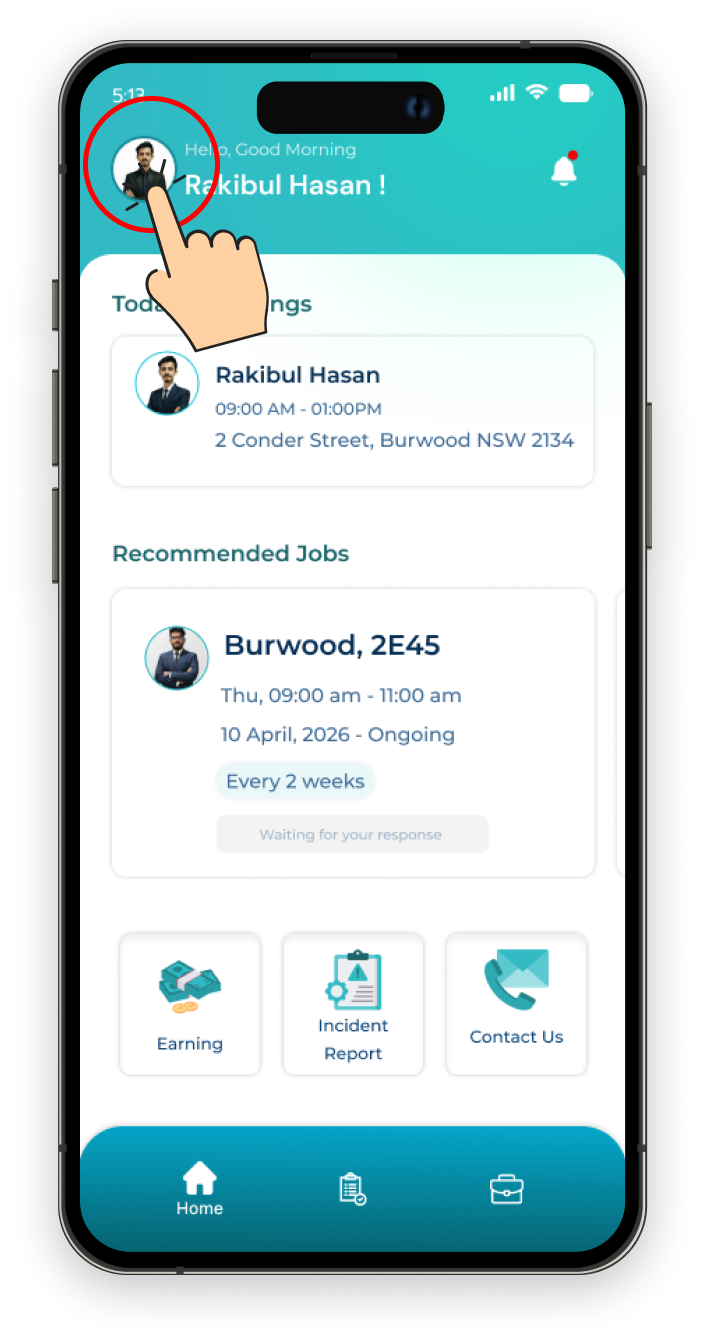
1. Go to your Profile
Navigate to your profile screen after logging in.
-
2. Click on Settings
Click on the settings icon to access account management options.
.png)
-
3. Click on the 'Delete Account' Button
In the settings menu, you will find the option to delete your account.
.png)
-
4. Confirm by Clicking 'Delete'
Finally, click on the 'Delete' button to permanently delete your account.
.png)